AIS Magistral
Analytics System for the Moscow Department of Transport
my roles:
Client:
Moscow Department of Transport and Road Infrastructure Development
timeline:
2021-2025
results:
1
working
day
day
→
20
sec
Reduced the calculation time for predictive characteristics of a new route

Improves daily journeys for 3M+ passengers through better decisions

System features consolidate multiple software tools for analysts

Used by Moscow Department of Transport analysts

Used for presentations to senior management



Context and objectives
At the Moscow Department of Transport, several teams of industry analysts work together to solve complex planning and monitoring tasks, including:
- Determine locations and timing for new routes
- Decide on transport types and service intervals for each route
- Ensure adequate transport coverage for a growing city
- Identify routes to retire or adjust, and plan specific changes
- Monitor and plan the development of the route network
In their daily work, analysts used many different software tools and fragmented data sources. Data came in multiple formats (often incompatible) and required frequent conversion and manual processing. Most calculations were done manually, and many decisions relied heavily on expert judgment. Even routine tasks, such as monthly reporting, turned into time-consuming processes.
Overall, the workflow was inefficient, resource-intensive, and clearly had strong potential for partial automation.
Tasks:
- Reduce the number of software tools used by analysts
- Increase analysts’ efficiency
- Develop tools for solving targeted analytical challenges
- Equip leadership with a tool to rapidly produce presentation-ready materials
Preliminary research
First, it was necessary to map the entire business process—from the start of the analysts’ work to the launch of a bus route. To do this, we interviewed all participants in the process, including both regular staff and managers. Everyone had their own pain points and unique ways of working.
The research resulted in an overall workflow map. Each step represents a complex process that can (and should) be further detailed, but this was done at later stages when working on specific modules and features.
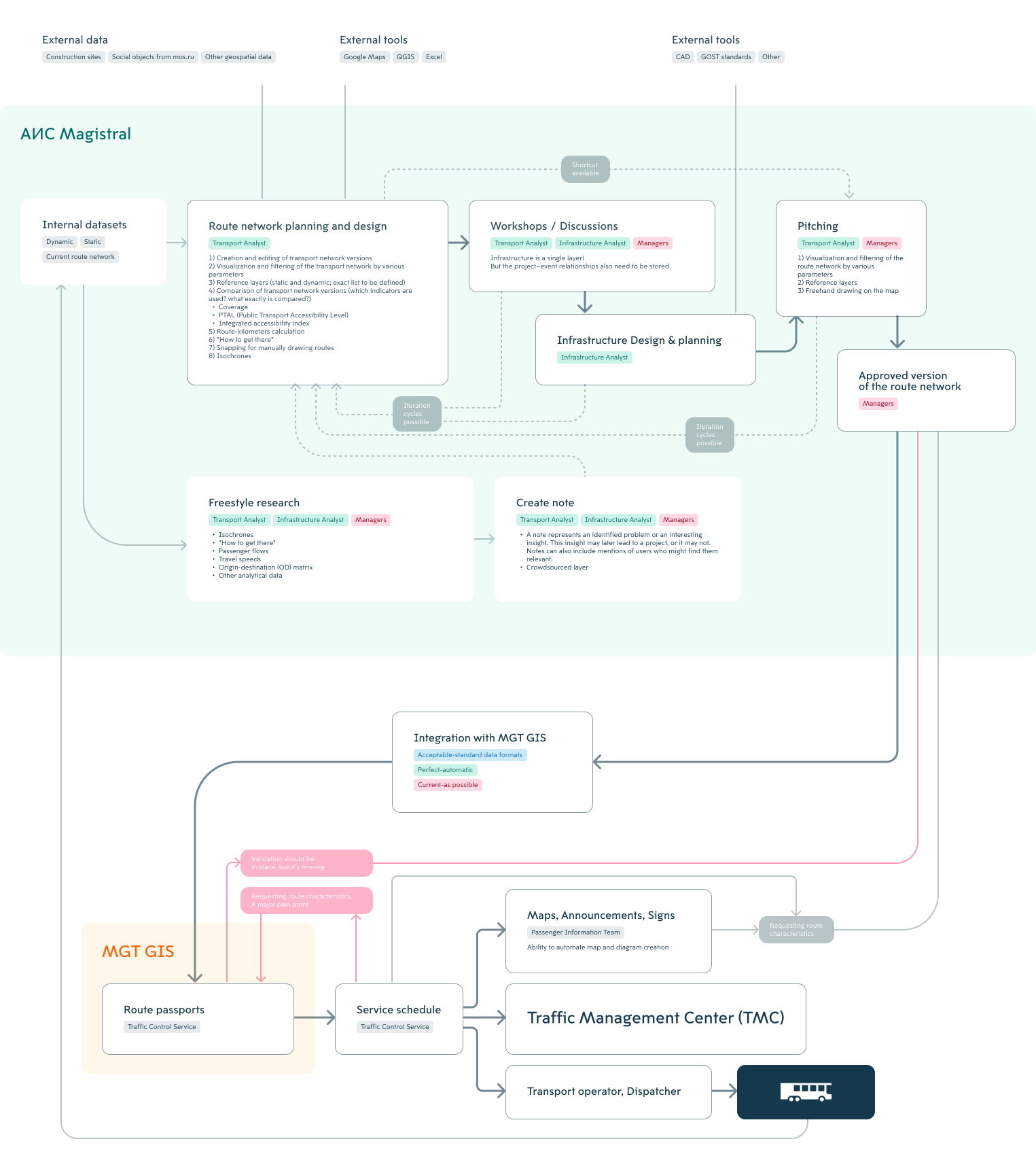
Alongside the workflow diagram, we developed user personas and identified the needs of various user groups, updating them throughout the design and development process.
Manager
Visual is most important
Main reference - Apple
Main device - tablet
Secondary - desktop
Show simplified graphics on slides
End-to-end smart search
Filtered routes with statistical data
Analysts (all of them)
Prioritize functionality
Main device - desktop
A lot of datasets
"Hide interface" button for presentations
Transport Analysts
Main question: destination, mode, purpose, and route
Creating, modifying, and storing route network variants
Visualization and filtering by various parameters
Comparison and its automation
PRESENTATIONS! Before-and-after visual reports
Route-kilometers calculation (currently done in Excel)
Consideration of ongoing and planned routes (lines, platforms, etc.) and infrastructure growth is essential
"How to get there" and available transport
Need advanced freehand route snapping — currently manual drawing in Zoom is faster.
Isochrones
Original Destination Matrix for bus stops
Questions:
Stop site conception.
Opposite directions site case
Opposite directions site case
Canceled routes
Trunk corridors conception
Passenger flows mapping: why not routed along the network?
Infrastructure Analysts
Main question: how to provide transit?
Events (or objects) table / layer
Object statuses
Design
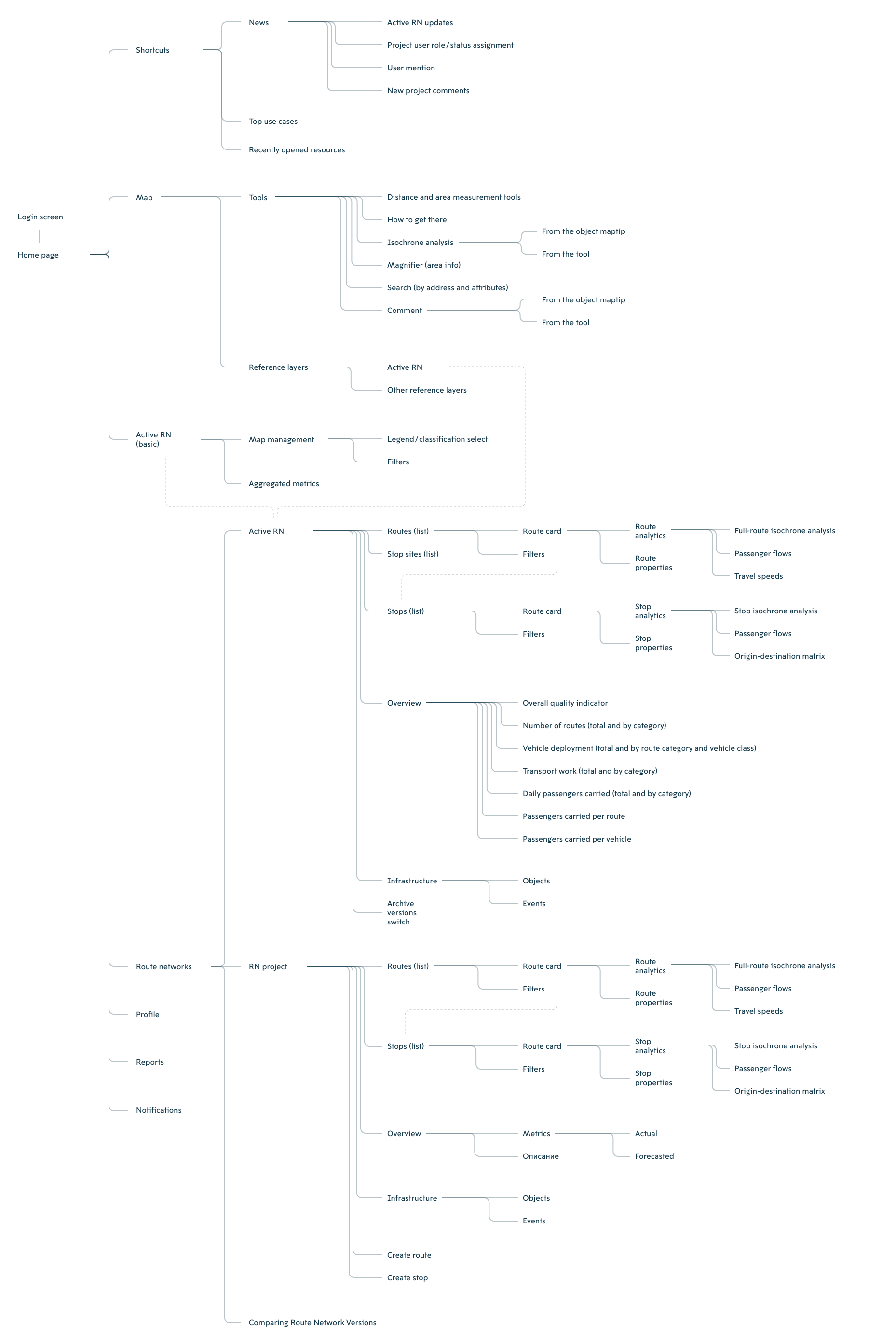
Due to different and sometimes conflicting user needs, the interface was designed with several levels of detail:
- Overview Level: An intuitive, visual interface that is immediately accessible, tailored for managers and users with similar requirements.
- Detailed Level: Full functionality comes at the cost of simplicity, which is acceptable for analysts. Reaching this level involves a few navigational steps. Users can access the same data as in the overview view but gain enhanced control and analytical options.
We developed the interface structure and information architecture with future scalability in mind, anticipating that the system’s feature set would expand over time.
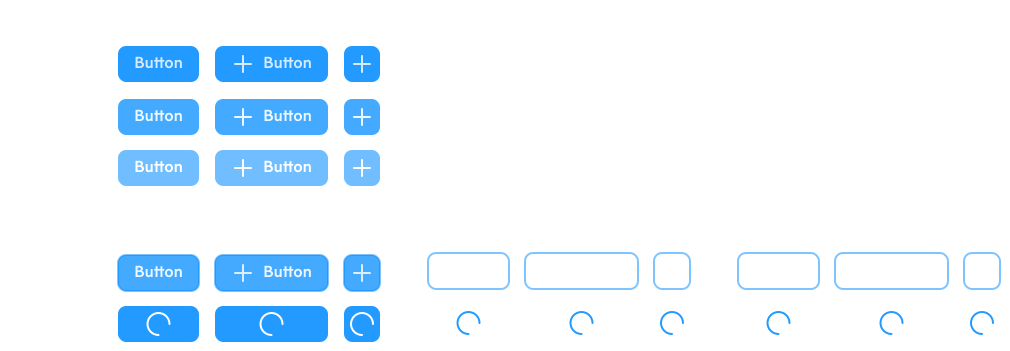
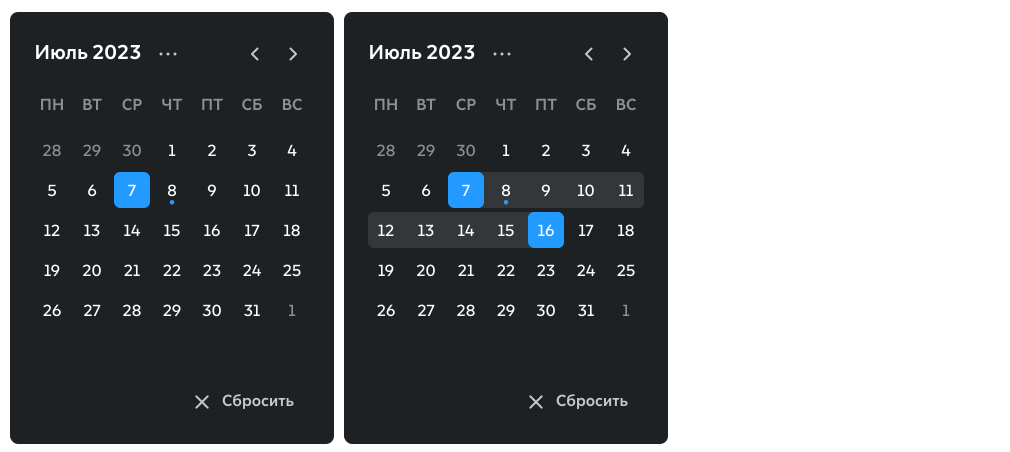
Based on the usage context, we developed a UI library and an icon set. Beyond interface icons, we designed a system of cartographic symbols to represent various object types, including points, clusters, lines, polygons, and regular grids.







To support the system’s functionality, we designed multiple subsystems and processes, such as:
- Calculation algorithms and formulas for key indicators
- Algorithms for geo-analytical operations
- Integration workflows with external systems
- Data update protocols from multiple sources
- Role-based model and access rights management system
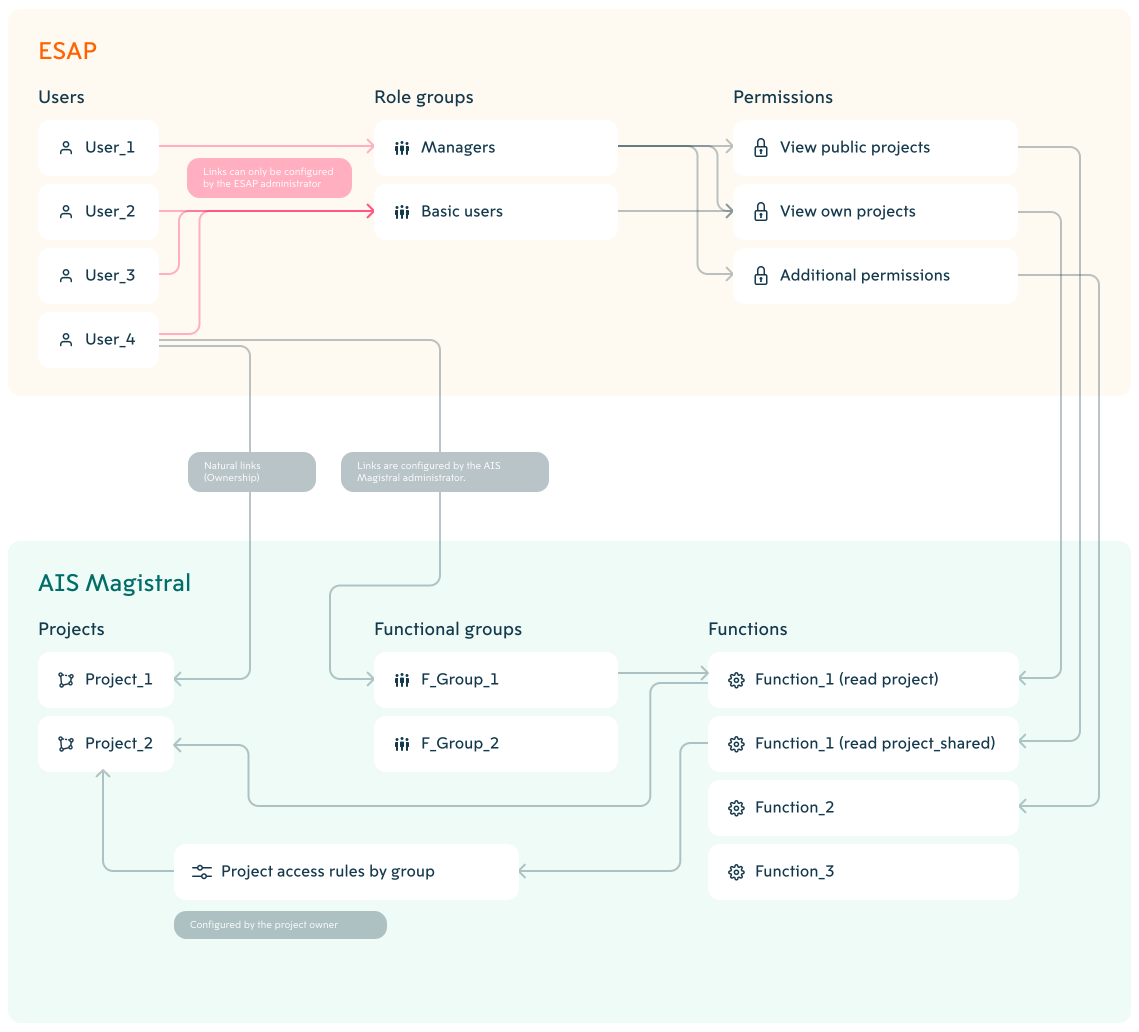
Managing routes and stops
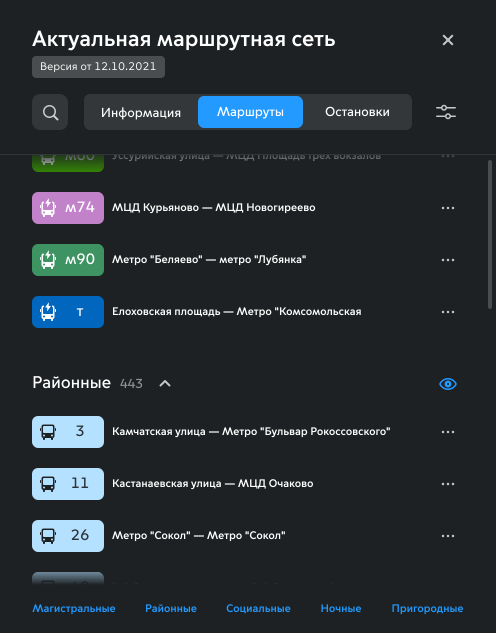
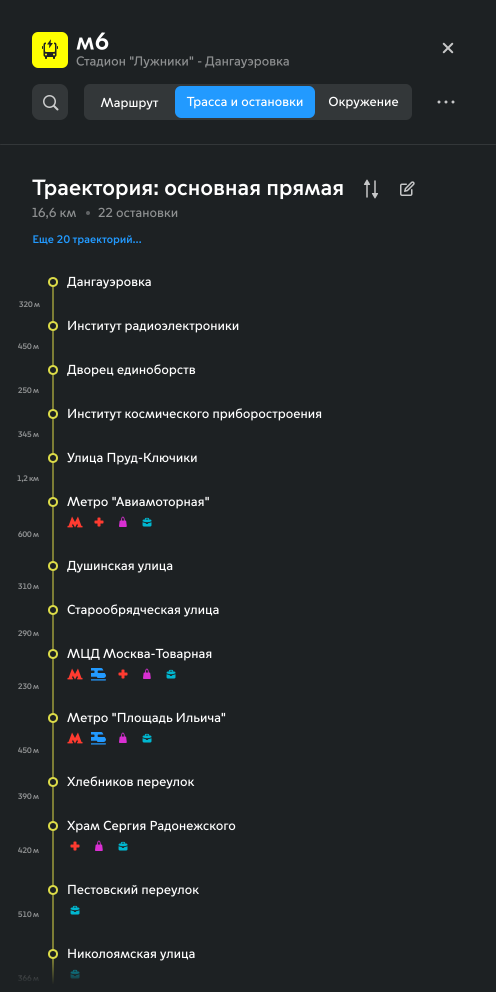
A key requirement across all user segments was the ability to work with routes:
- Analyze current statistics for the overall network, individual routes, and selected route groups
- Access historical data and different timeframes, with options to aggregate metrics over time
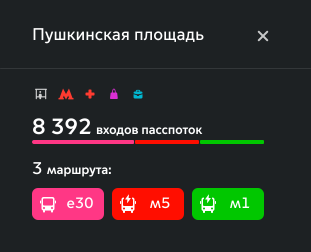
- Examine detailed information about routes and stops
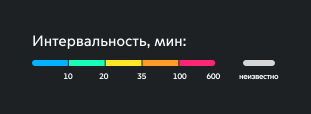
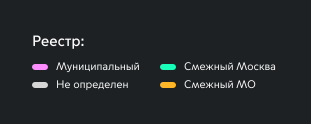
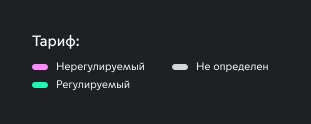
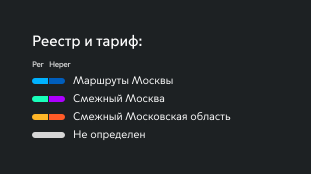
- Customize map visualization: filter and color routes based on various parameters
These capabilities support analysts in deep network analysis and enable management to monitor the overall health of the route system.



The process of creating new routes was previously quite challenging:
- Route geometry had to be drawn in Google Maps without leveraging the real road network
- All parameters of the proposed route were calculated manually using numerous data sources
- Data were entered into the spatial database, and manually drawn routes often resulted in inconsistencies
Centralizing data within a single platform greatly simplified and accelerated the process:
- Route geometry can be drawn with automatic snapping to the road network, displaying all relevant objects on the map
- Characteristics of new routes are calculated automatically using real data from existing routes
1
working
day
day
→
20
sec
Reduced the calculation time for predictive characteristics of a new route


Reference layers
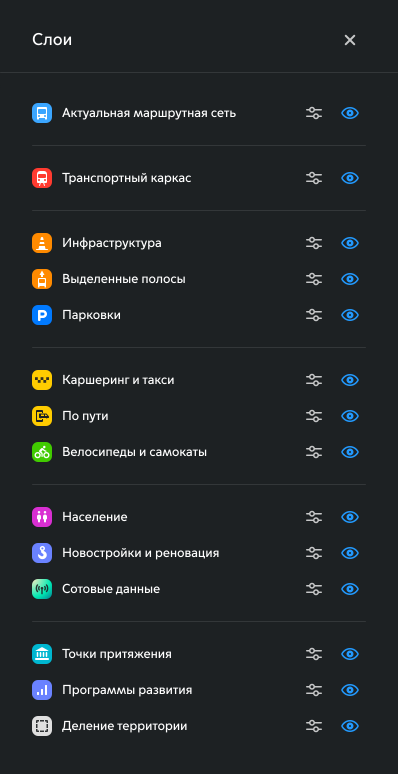
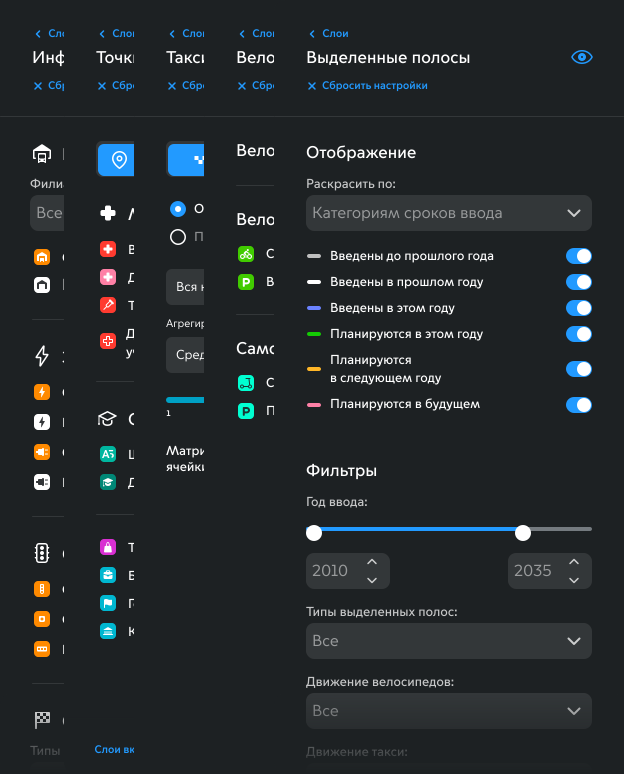
Combining diverse data into a unified system allowed not only their use in predictive calculations but also working with them directly on the map. Each of the 14 reference layers required its own methods for visualization, configuration, and interaction with objects. In essence, each layer functions as a mini-application.


Additional analytics tools
Certain analytical tasks demanded dedicated interfaces, which we developed as independent modules within the system.


Results
1
working
day
day
→
20
sec
Reduced the calculation time for predictive characteristics of a new route

Improves daily journeys for 3M+ passengers through better decisions

System features consolidate multiple software tools for analysts

Used by Moscow Department of Transport analysts

Used for presentations to senior management
The application, still at the MVP stage, was deployed for pilot testing by analysts and management. This enabled rapid and accurate hypothesis testing in real-world scenarios, improving both the pace and quality of further design iterations.
The system continued to develop, gradually integrating with other information systems across the transport network. Many processes were automated, and some external tools were no longer required, as AIS Magistral incorporated their functions.
By 2025, the system had taken its final form, even though many new feature ideas remained. It serves as an analytical tool for transport professionals and as a demonstration environment for management.
toshkent.pse@gmail.com
+381 677 635 491 (Viber)
+7 903 141 52 43 (Whatsapp)
+381 677 635 491 (Viber)
+7 903 141 52 43 (Whatsapp)
