EverGIS UI
A GIS-focused UI component library
my roles:
Company:
Everpoint
timeline:
2018
results:
-22%
Average screen design time
-8%
Average time to complete an interface development task

Eliminated duplicate components

The UI library became the default UI solution for most projects.
Context and objectives
Everpoint specializes in building products for working with spatial data (GIS — Geographic Information Systems). Until 2018, the product development process for each client was highly customized. This also applied to interface design: all UI elements were designed and developed from scratch for every project. As a result, in complex and long-term products that evolved over time, duplicate components often emerged: similar elements that looked and behaved differently.
goals:
- Reduce UI design and development effort
- Improve interface consistency
- Make existing and new products easier to scale and maintain
Preliminary research
I started by exploring the company’s interface needs and evaluating available UI libraries.
Key insights included:
Key insights included:
- GIS product development relies on many domain-specific UI patterns. Some of them can be built by extending existing components
- While various UI libraries offer different component sets and customization capabilities, no single library can fully cover all GIS-specific needs
Decision: build a custom UI library
Design and Development
To achieve both flexibility and consistency, an atomic design approach was chosen. The components were designed in the following sequence:
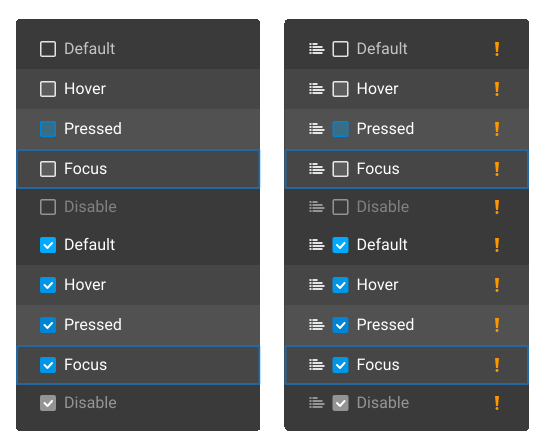
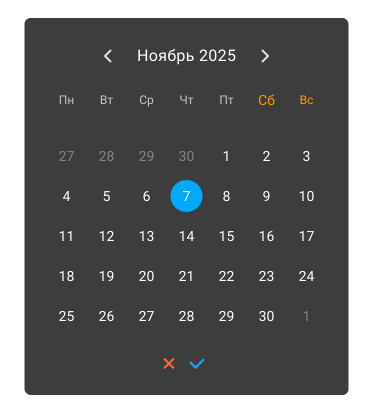
- Color palette (light and dark themes)
- Typography
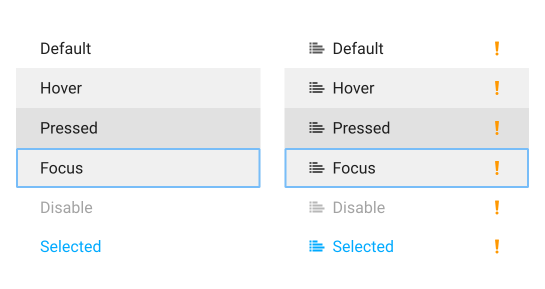
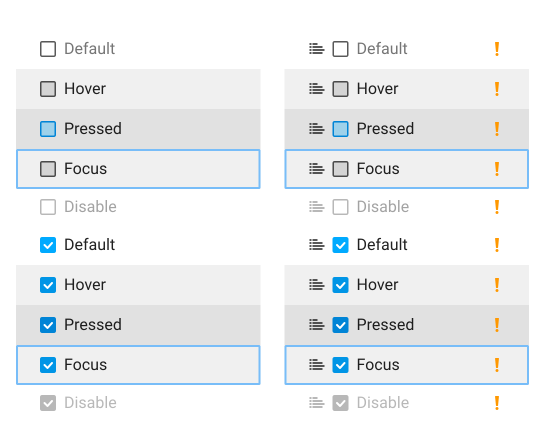
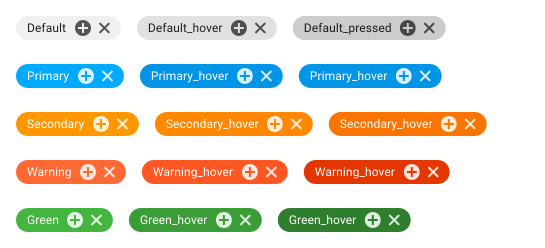
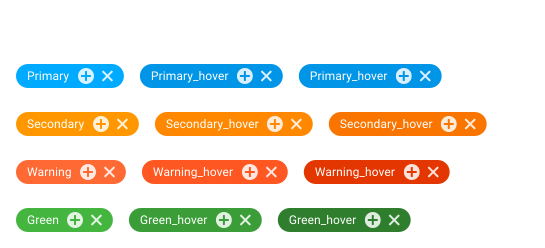
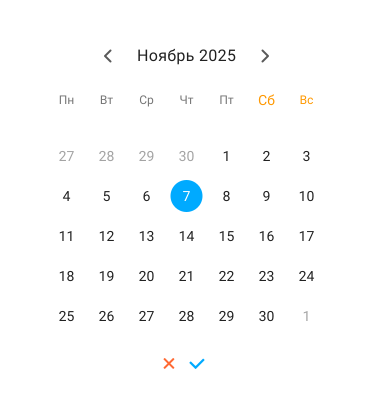
- Basic UI elements: buttons, checkboxes, popup containers, etc.
- Complex components: layer cards, inputs, dropdowns
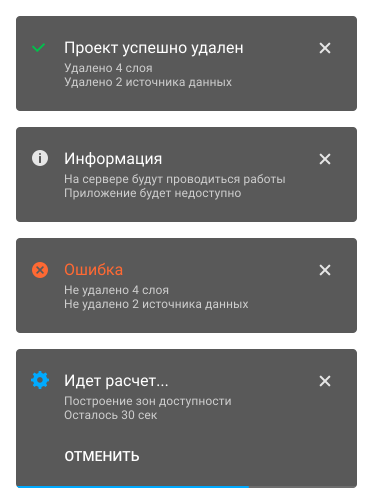
- Composite structures: dialog windows, multi-step interfaces
While designing the UI components, I also developed a custom icon set. GIS products require many specialized icons to represent domain-specific actions, so off-the-shelf icon sets were insufficient
Primary
Secondary
Warning
Green
Background
Container
Container
deep
deep
Text
Icon
Shadows
Primary
Secondary
Warning
Green
Background
Container
Container
deep
deep
Text
Icon
Shadows
Container
Container
deep
deep
Text
Icon
Shadows












Specialized GIS Components
GIS products have unique requirements that call for specialized UI components and interface patterns.
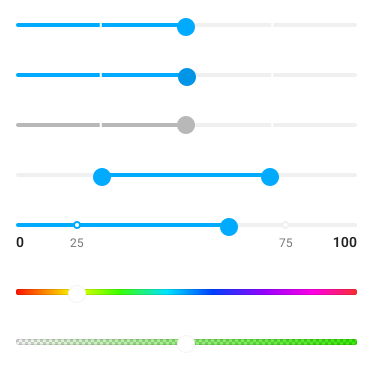
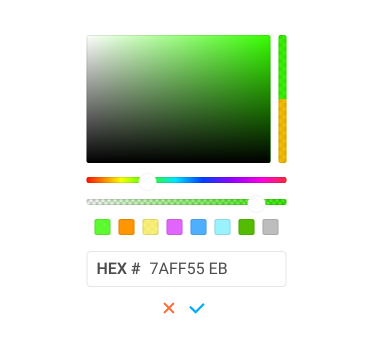
For example, a standard color picker, familiar from graphic editors, was enhanced to support color scales, which are essential for classifying object attributes by color.


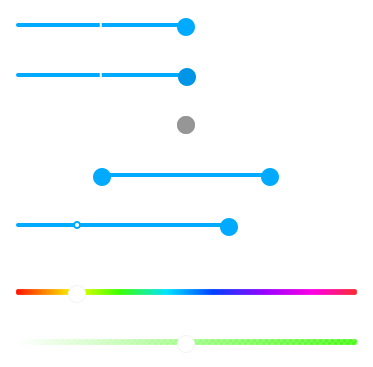
For enhanced handling of numerical classifiers, the standard slider was modified to allow adjustment of both the overall range and the boundaries of each class, providing multiple control points.


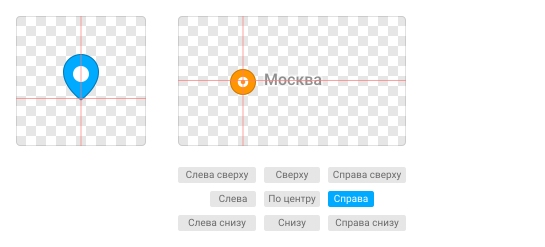
Setting up point symbol parameters involves multiple settings. While standard components cover some of them, others require a custom interface.

Results
-22%
Average screen design time
-8%
Average time to complete an interface development task

Eliminated duplicate components

The UI library became the default UI solution for most projects.
The UI library improved both the look and consistency of company products and streamlined the workflow:
- Common UI patterns are now pre-built and reusable
- Certain tasks can be outsourced safely, since the usage rules are clear and components are ready made
- Communication between designers and developers is smoother; only the most complex components require detailed discussion
toshkent.pse@gmail.com
+381 677 635 491 (Viber)
+7 903 141 52 43 (Whatsapp)
+381 677 635 491 (Viber)
+7 903 141 52 43 (Whatsapp)
